
Free Strava Art Generator for GPS Drawings
Draw My Loop is a free Strava art generator that lets runners and cyclists sketch a shape on a map, then follow that shape with a GPS watch so the recorded activity traces the drawing on Strava. The workflow is short: pick or draw a shape (a heart, a cat, the Strava logo if you're feeling meta), let the editor snap the outline to real streets using OpenStreetMap data, export a GPX, and import it into Strava via Routes → Create Route → Import GPX. From there a Garmin Forerunner, Wahoo ELEMNT, Coros Apex or Apple Watch (via WorkOutDoors) can sync the course and guide the activity turn by turn. Download your first GPX free without an account. No install.
Create my Strava artHow to create Strava art?
To create Strava art, draw a shape on a map, turn it into a GPX route, follow that route with Strava or a GPS watch, then save your activity.
Draw My Loop automates the hard part: snapping to real roads, GPX export and compatibility with Strava, Garmin, Komoot, Suunto and Coros.
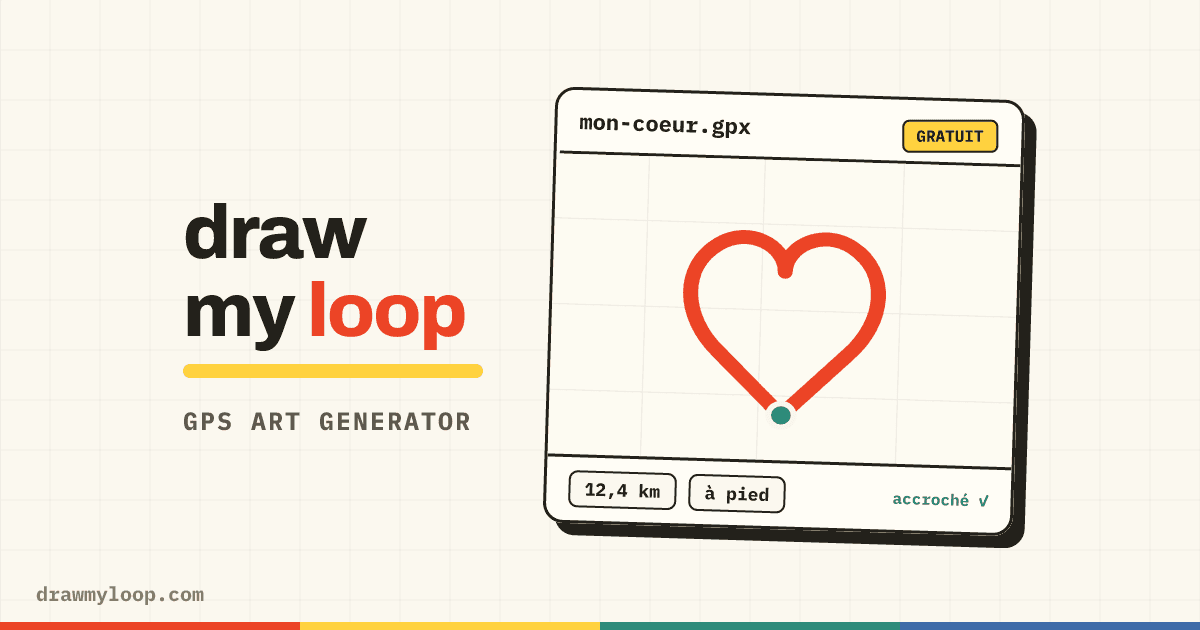
Free Strava Art Generator Online
One GPX download is free without an account. After that, a free account is required for every download, including after an edit. The trial is limited per browser and shared network. An account is also required to save, publish or import. Auto-Fit credit rules are unchanged.
Draw My Loop is built specifically for creating Strava art: its shape library, text projection and road-snapping algorithm help produce clear, recognizable drawings on the Strava map.
What is Strava Art?
Strava art is a form of GPS art specifically designed to be shared on Strava. By following a planned route, the GPS track of your activity forms a drawing visible on your Strava profile: a heart for Valentine's Day, a tree for Christmas, or a portrait of your favorite animal. It's also called GPS drawing, running art or Strava drawing.
Athletes around the world share route drawings using hashtags such as #stravaart, #gpsart and #runningart. It is a creative way to vary training, surprise followers and discover other GPS artists.
Create Strava artwork from a real route
Strava artwork is not an image pasted onto an activity. It is the map produced after you follow and record a planned route outdoors. Hearts, animals, letters and portraits all begin as a route that must fit the local street network.
Draw My Loop lets you preview that route drawing before the activity: sketch or choose a shape, snap it to roads, inspect distance and elevation, then export GPX. The recorded GPS track becomes the finished artwork on Strava.
Browse real Strava artworkStrava art vs GPS art
GPS art is the broad name for a drawing made by recording movement with a GPS device. Strava art is the same practice when the finished activity is viewed or shared on Strava. A route can therefore be both GPS art and Strava art.
The planning workflow is identical: sketch a recognizable shape, fit it to real streets, export a GPX route, follow it outdoors, then record the activity. Draw My Loop focuses on the planning stage; Strava displays the recorded result.
How to Make Strava Art with Draw My Loop
Draw your artwork
Open the Draw My Loop Studio and choose a shape from the 400+ library or draw freehand. Position your design on the neighborhood where you want to run or ride. You can also type text or import an image.
Export as GPX
Check the calculated distance and adjust the placement, size or route where needed, then export the GPX to follow outdoors. Download your first GPX free without an account.
Import into Strava
In Strava, go to Routes > Create Route > Import. Upload your GPX file. You can then send the route to your GPS watch or follow it via the Strava app on your phone.
Run and share
Follow the route and admire your Strava art on your activity map. Share it with your followers and use hashtags #stravaart and #gpsart to join the community.
Strava Art Tips for Beginners
Choose the right neighborhood
Residential areas with grid-pattern streets offer more possibilities for creating Strava art. Avoid highways and industrial zones where roads are limited.
Start with simple Strava art
A heart or star is the best first Strava art project. Closed shapes are easier to recognize even if the trace isn't perfect (ideal for beginners).
Check the elevation
Review the elevation profile in the Studio before heading out. A surprise 200m climb can ruin your run! Planning GPS art includes checking the terrain.
Polish your sharing
Give your Strava activity a descriptive title and add a screenshot of your planned route for comparison. This is how the best Strava art gets noticed.
Best Strava Art Ideas
Seasonal art
A Christmas tree in December, a heart for Valentine's Day, a pumpkin for Halloween: seasonal Strava art gets the most engagement and is a great way to celebrate holidays with your running community. These are among the easiest Strava art projects to start with.
Personal milestones
Birthday numbers, anniversary dates, or a name for a newborn: creating Strava art turns your workout into a memorable keepsake you can screenshot and frame. The most shareable GPS drawings on Strava are personal ones.
Challenge art
Create a series: draw a different animal each week, spell out a word across multiple runs, or trace your city's landmarks. Serialized Strava art builds a following and keeps you motivated throughout the year.
From a shape to a route you can follow
✨Ultra Croissant de nuit✨ · Actual distance: 50.9 km
An example from the gallery: the reference shape uses its construction points. Review the route and local conditions before heading out.
View the routeReal Strava art examples
Use public routes created with Draw My Loop as inspiration, with route preview, city, distance, activity and a link to the GPX route page.
Circle. 2026. Mixed surfaces Gravel track - Nord
Anstaing, France
Cycling118.7 kmCircle
21
Eevee — Toronto — Regan Huang
Toronto, Canada
Walking44.5 kmEevee
Rhyno Run 🦏
Rio de Mouro, Portugal
Walking10.0 kmRhinoceros
GPS art by city
Discover GPS drawings that were genuinely created on the streets of these cities.
Strava art vs Strava's Route Builder
You can technically make Strava art with Strava's own Route Builder, but almost nobody does it twice. The built-in tool is great for linking two cafés or tracing a riverside path. It was never designed for drawing a dog. Everything is point-to-point: you click a street, then the next, the router fills in the connections. Drawing a recognisable shape that way means clicking hundreds of waypoints by hand, and if the proportions drift you start again.
Draw My Loop approaches the same routing problem from the opposite direction. Instead of picking streets one by one, you draw the shape and the algorithm looks for nearby roads that honour the outline. This removes many manual waypoint clicks before GPX export and import into Strava.
What runners like Lenny Maughan taught us
Lenny Maughan is the San Francisco runner who turned his weekend easy runs into city-wide portraits (Frida Kahlo, Stan Laurel, the Vitruvian Man, a full ballerina), all visible on Strava. He plans his routes by hand. So do most of the well-known GPS artists. There is a slow-craft side to GPS art that sits very comfortably in front of a paper map for three hours, working out which blocks form a workable jawline.
What his work shows is that neighbourhoods with a mix of orthogonal and diagonal streets can produce clear GPS drawings. Dense grids suit simple geometry; less regular street networks can carry faces and animals better. Draw My Loop does not replace a creative eye; it reduces manual waypoint planning.
Join the Strava Art Community
GPS artists share creations worldwide using hashtags such as #stravaart, #gpsart, #runningart and #cyclingart. Browsing these tags on social platforms is one way to find ideas for your next route.
With Draw My Loop, you can also explore and share routes with other creators. Save your strongest Strava art, make them public, and inspire others in the community.
Strava Art Generator FAQ
Is this Strava art generator really free?
One GPX download is free without an account. After that, a free account is required for every download, including after an edit. The trial is limited per browser and shared network. An account is also required to save, publish or import. Auto-Fit credit rules are unchanged.
Do I need a Strava subscription for Strava art?
Draw My Loop does not require a Strava subscription. Strava currently documents route creation as a subscription feature, so check the access available on your Strava plan before importing a GPX as a route. You can also load the GPX through Garmin Connect, Komoot or another compatible navigation app.
How do I make Strava art?
Open Draw My Loop's free Strava art generator, draw or pick a shape, let the algorithm snap it to real roads, export as GPX, and import into Strava. The whole process takes under 5 minutes.
Does Strava art work for cycling too?
Absolutely! The Strava art generator works for running, cycling and even walking. Draw My Loop supports both pedestrian and cyclist routing profiles.
Can I create Strava art on my phone?
Yes. Draw My Loop is an online Strava art tool that works on any mobile browser. Create your route, export the GPX and import it into the Strava app on the same phone, no separate app needed.
Why use Draw My Loop for Strava art?
Draw My Loop is a Strava art editor with road snapping, a shape library and GPX export. Download your first GPX free without an account.
How do I import a GPX file into Strava?
In Strava, go to Routes > Create Route > Import GPX/TCX file. Upload the file exported from Draw My Loop. You can then send the route to your GPS watch or follow it directly in the Strava app.
What's the difference between Strava art and GPS art?
Strava art is GPS art shared specifically on Strava. GPS art is the broader term for any route drawing made with a GPS device. Draw My Loop is both a Strava art generator and a GPS art generator. The GPX files work everywhere.
What are the easiest Strava art shapes for beginners?
Hearts, stars and smiley faces are the best simple Strava art for beginners. They use basic geometric shapes that look great even on imperfect street grids, and typically cover just 5-10 km.
Custom service
Don’t feel like searching? We draw your route for you
Tell us your idea and your area, we prepare the route by hand. You get a preview within 48 h and only pay if you like it.
Useful guides
How to Make Strava Art: Complete Beginner's Guide (2026)
Learn how to make Strava art step by step. From choosing your first shape to sharing your GPS drawing on Strava: everything a beginner needs to create Strava art today.
Strava Art Examples: Real GPS Drawings from the Community (2026)
A live gallery of real Strava art examples (hearts, animals, letters and country shapes drawn on real streets) with the distance, sport and city behind each one.
How to Put Your GPS Art on Strava, Garmin or Komoot
Your drawing is ready. Now get it on your watch. GPX export from the studio, import steps for each platform, and what to check before you head out.